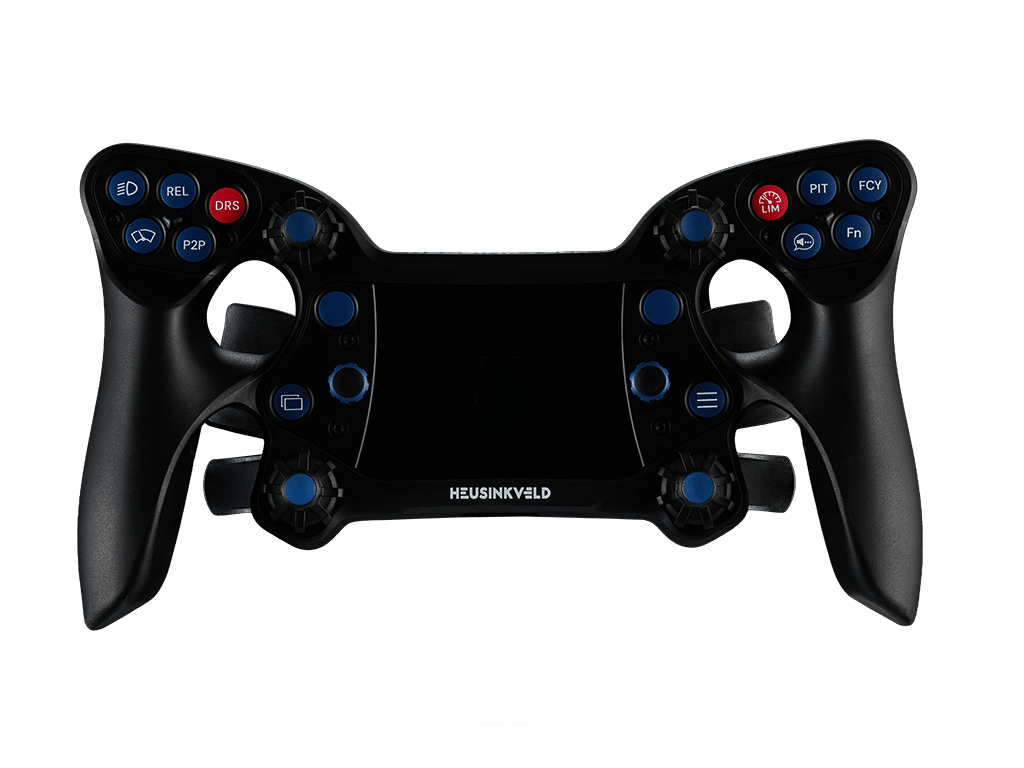
New: DisplayDash
Products
Race experiences
 Summer sale
 Plug and play
 Used by real drivers
 Secure and diverse payment options
 Fast & worldwide shipping
21% VAT
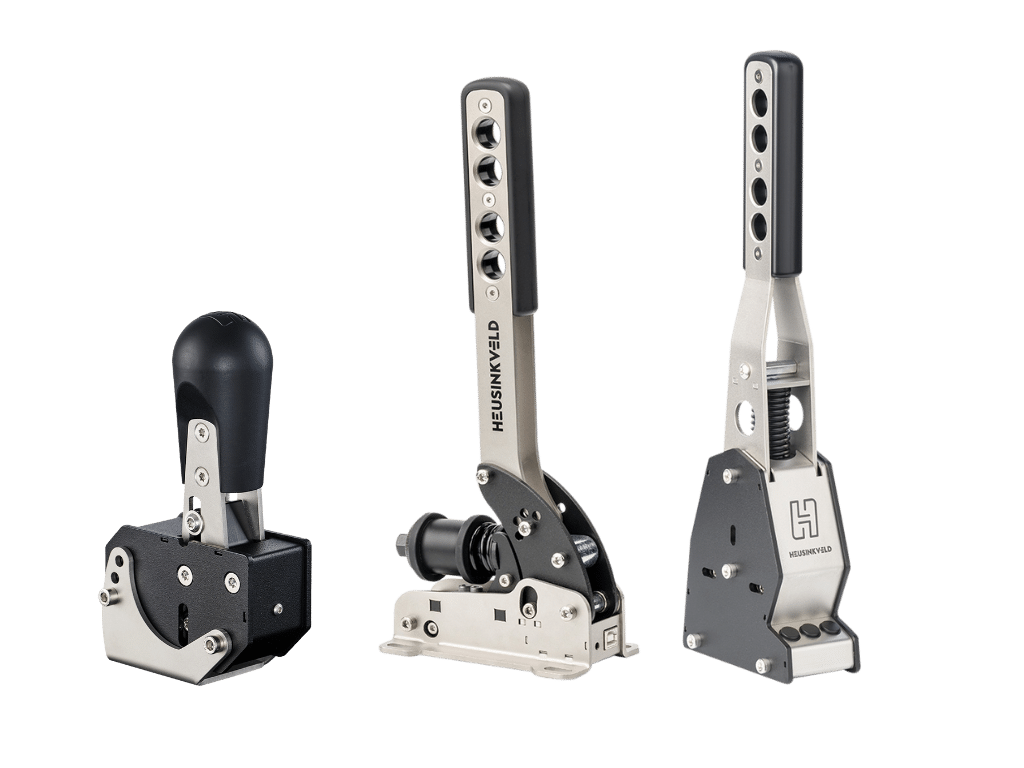
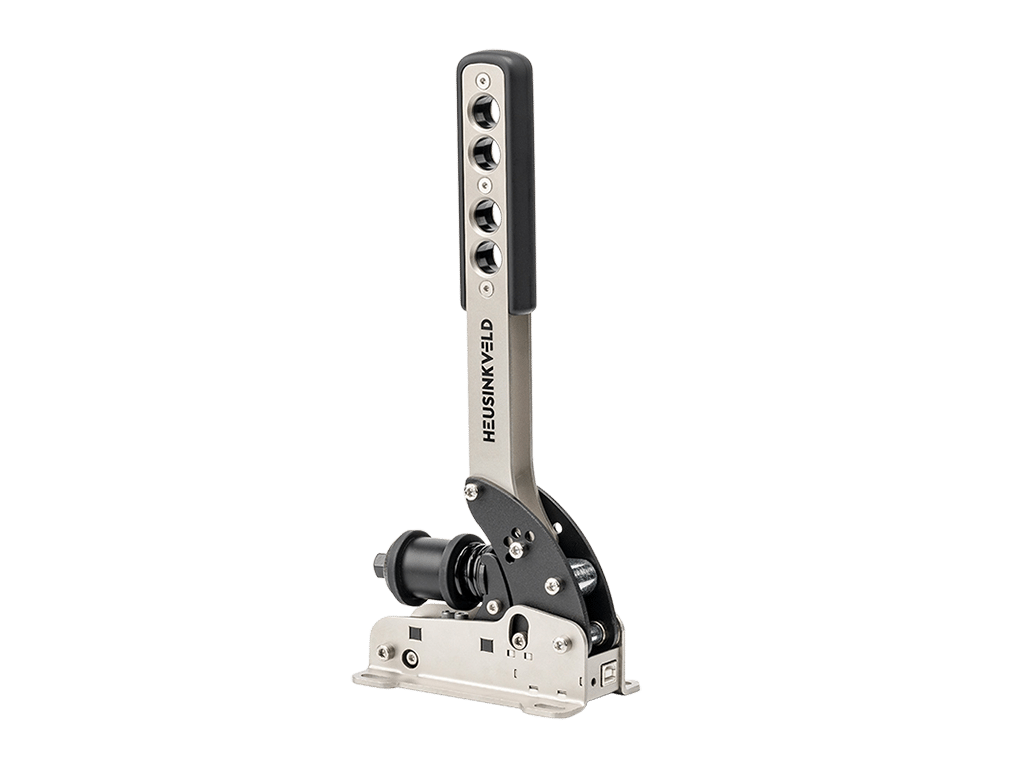
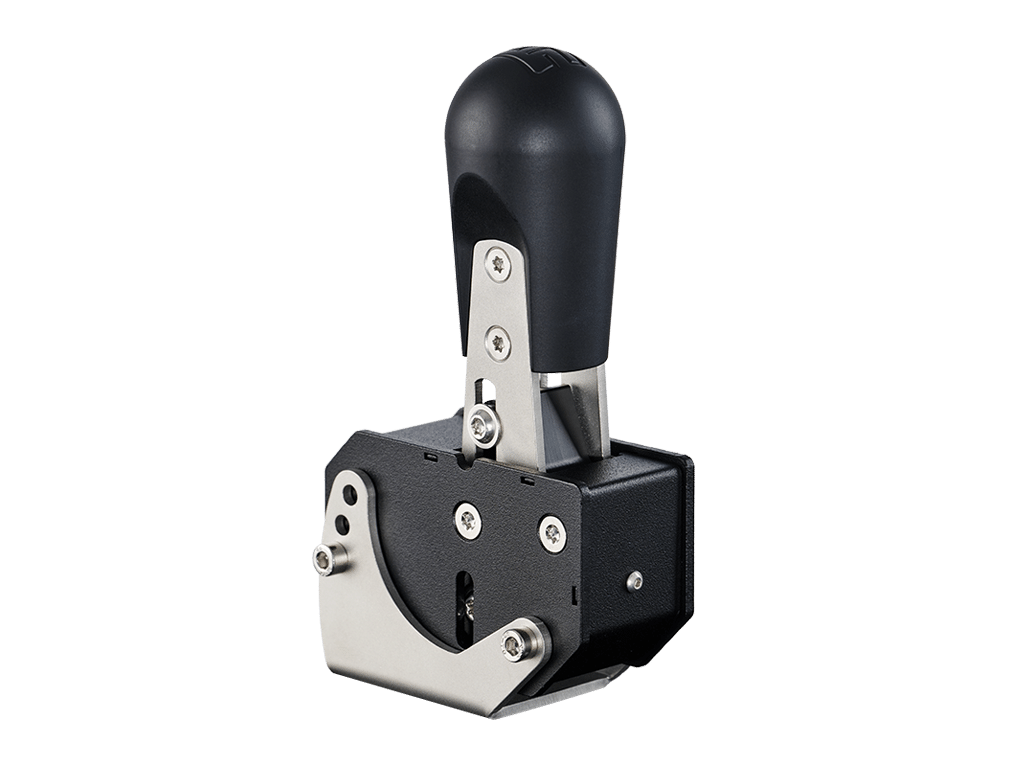
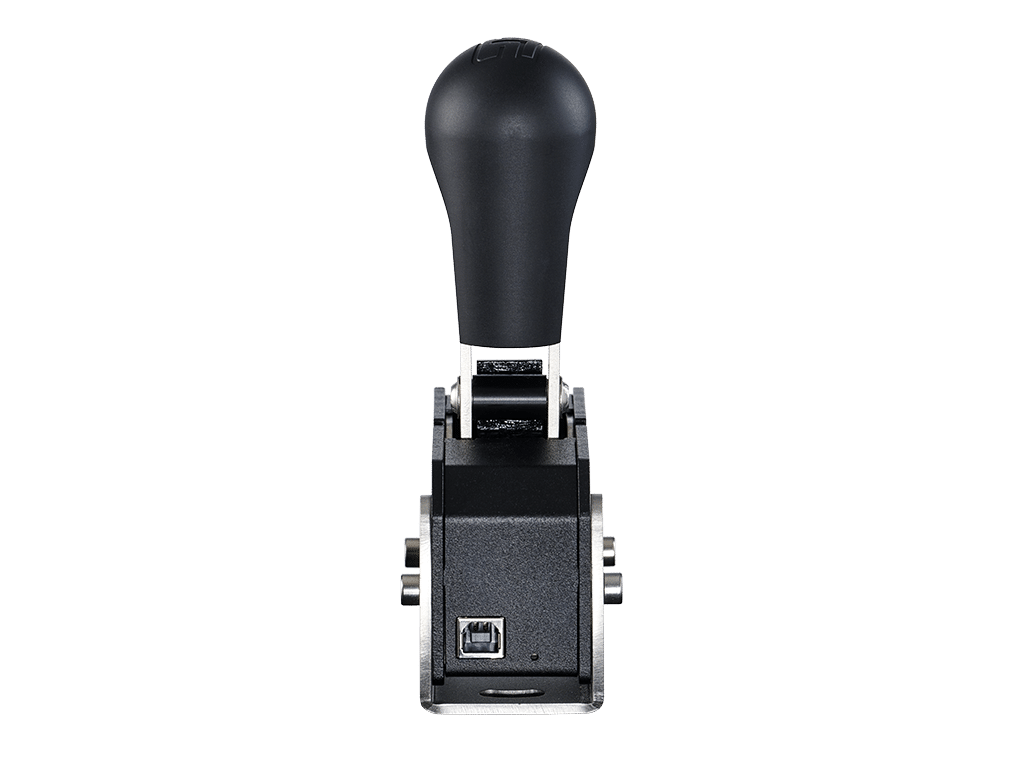
An ultra-compact, super solid and heavy-duty sequential shifter! Don’t be fooled by its compact appearance, MagShift Mini can be set to require either buttery smooth or very rigid shifting force.
Read product detailsIn stock
Compatibility
PC (Windows 10 or newer)
Software
SmartControl & SmartControl Live
Controller
Integrated inside the shifter, connection trough USB
Plug and play
Yes
Max force
From 4 up to 8 kg
Dimensions
169×91.5×57.5mm
Material
Powder coated stainless steel with aluminium shift knob
Weight
2 kg
In the box
Magshift Mini, USB cable, mounting materials, installation & adjustment tools, manual
Sensor type
Opto-electronic sensors
Packaging
Eco-Friendly Packaging
Warranty
2 years
Certificate
EMC + CE
Suitable for
Professional driver training, Esports, commercial use, home use
Type of cars
Rally cars, GT’s, touring cars and classic racing
Adjustments/settings
Upshift force, downshift force, shifter yaw (with the u-bracket), shifter tilt, 4 customizable outputs for the lever using SmartControl
Mounting
• Directly on a horizontal mounting plane or profile using the included u-shaped mounting bracket
• On a table with the optional Table Clamp
• To a vertical profile with the optional Vertical Mount
• Angled with the optional Angled Mount
Description
Are you looking for a compact sequential shifter which requires more than a light press to shift? Look no further. Don’t be fooled by its compact appearance, MagShift Mini is the perfect small form factor sequential shifter which can be set to deliver both low as well as high, realistic forces. From buttery smooth to very rigid shift force, it’s all there.
All of this fits in the palm of your hand. With dimensions (WxDxH) of 5,75 x 9,15 x 16,9cm (including the U shaped bracket).
MagShift Mini features a patented magnetic shift system with individually adjustable upshift and downshift force. Reliable shift detection with opto-electronic sensors.
Upgrade your simulator with the most versatile compact shifter available.
Adjustment options
The magnetic shift system is 2-way adjustable. The upshift and downshift can both be set individually. This allows you to set a firm upshift and soft downshift for example to simulate a specific car or simply because you drive at your best pace.
Set your preferred peak force anywhere between 4 and 8kg. At the firmest setting you’ll be able to simulate the shifter forces as experienced in real race cars.
Mounting
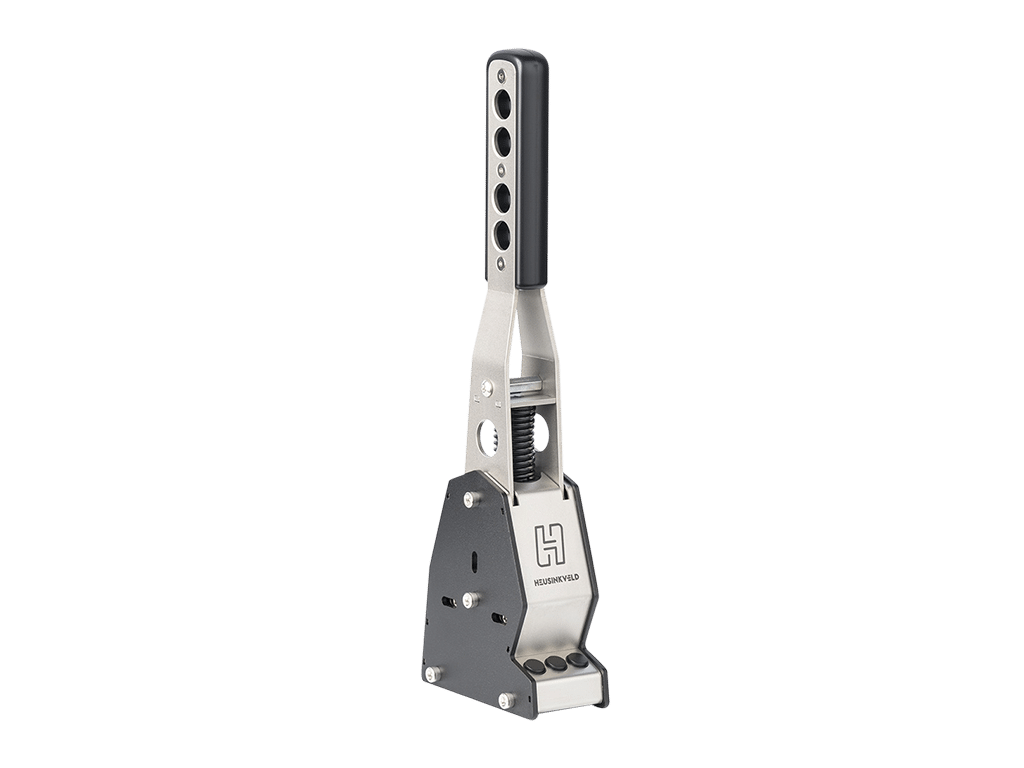
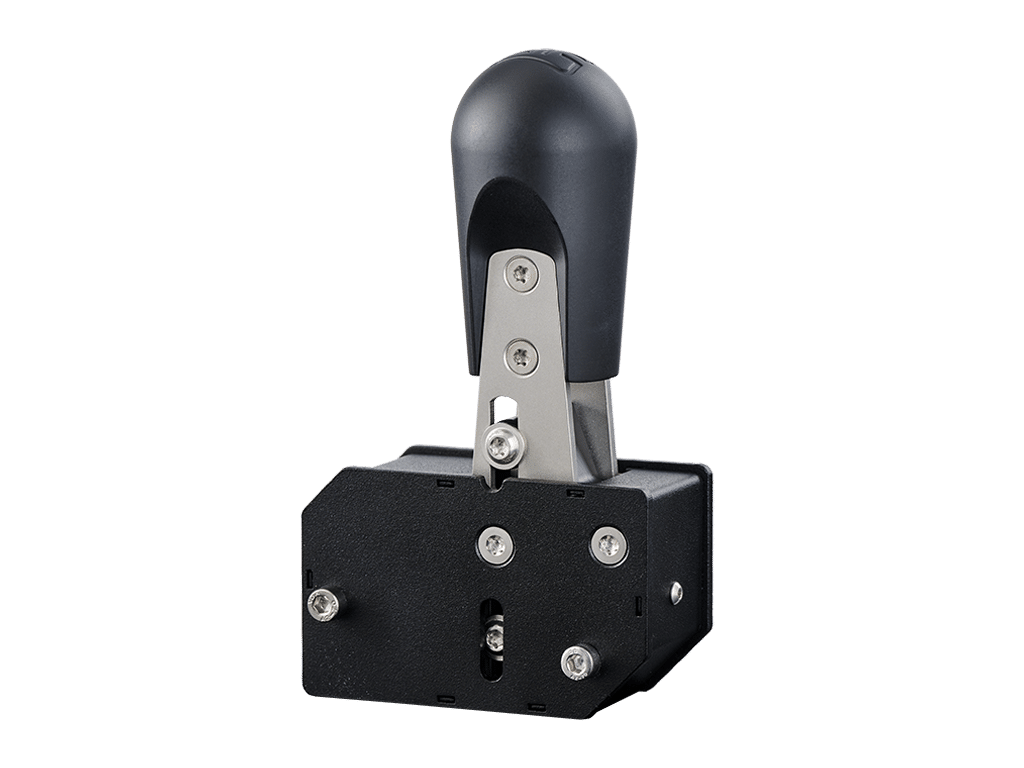
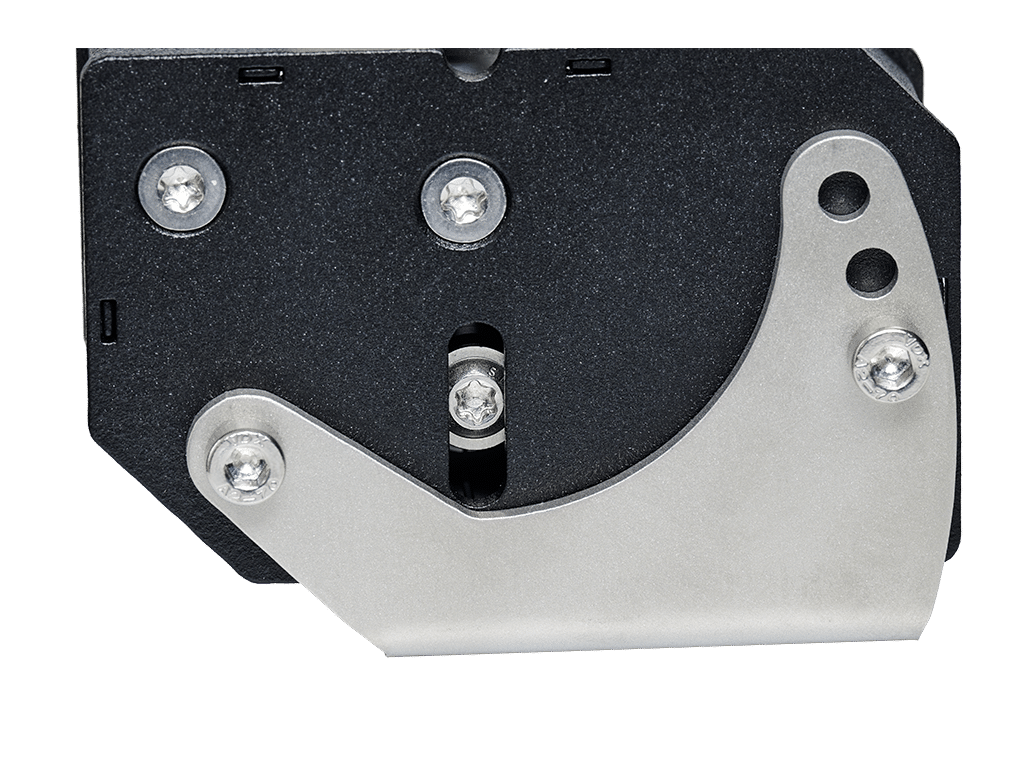
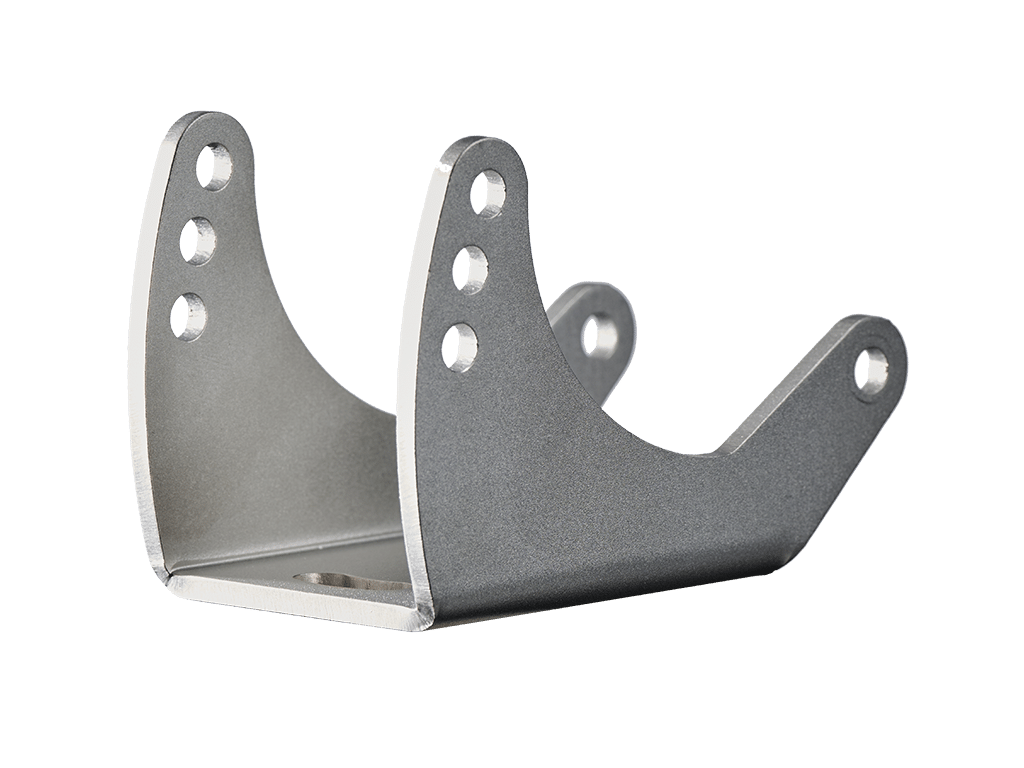
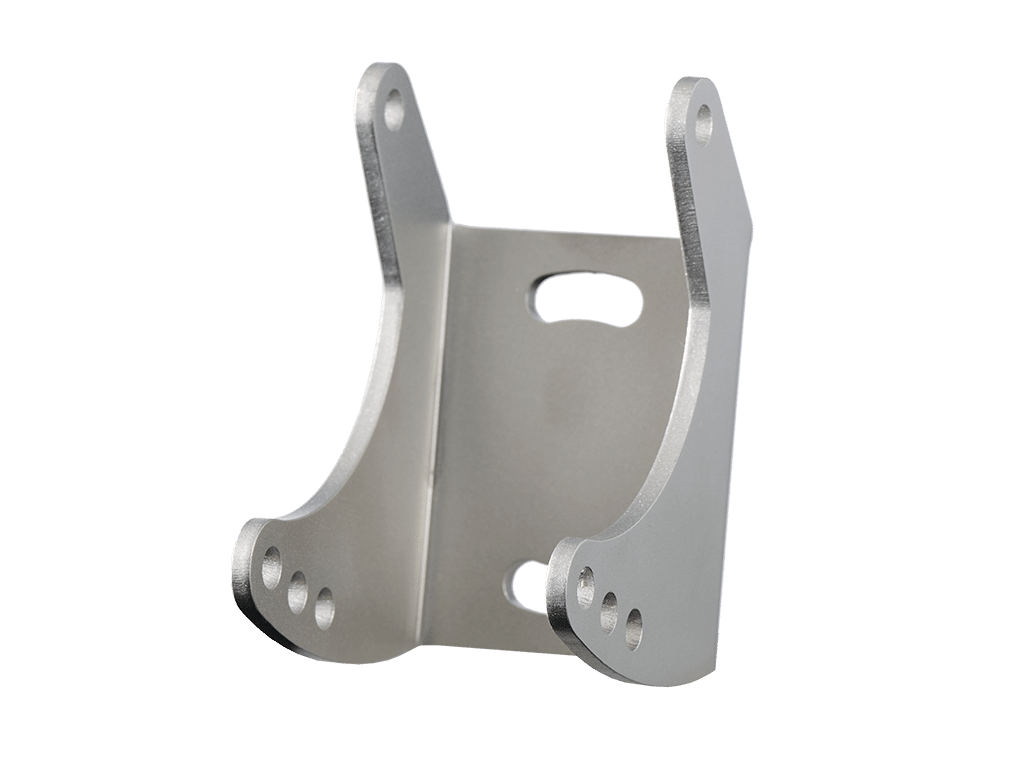
Every MagShift Mini comes with mounting materials and an U-shaped mounting bracket which makes mounting the shifter to your simulator super easy. The U-brackets mounts to your simulator with just 2 bolts, ensuring a narrow profile of the overall installation. Your MagShift Mini is then attached to the bracket. When mounted onto aluminium profiles, the MagShift Mini only requires a single profile slot for mounting.
The mounting bracket allows for several adjustments to fine-tune the position of your MagShift:
• Yaw adjustment: by rotating the U-bracket relative to the mounting platform.
• Tilt adjustment: by choosing any diagonal combination of the mounting holes in the U-bracket.
Mounting materials are supplied in order to attach the MagShift Mini to aluminium profiles. 2x M6x12 flanged bolts and 2x 6mm T-nuts are included in the package.
Alternative mounting options
Three alternative mounting options (sold separately) are also available:
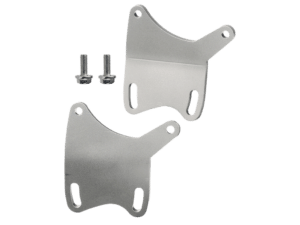
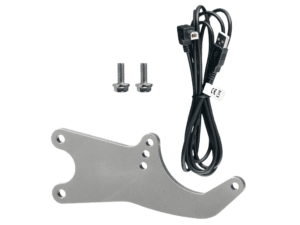
• Angled mount: Allows the MagShift Mini to be mounted at an angle relative to an aluminium profile. (linken)
• Vertical mounting plate: Allows the MagShift Mini to be mounted to a vertical (instead of a horizontal) aluminium profile beam. (linken)
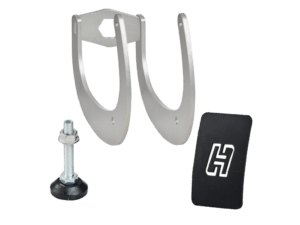
• Table clamp: Allows mounting on your desk/table. (linken)
Please see the appropriate product page to purchase these accessories.
Electronics
Opto-electronic sensors are used to detect shifts. This means that there is no wear on electronic components, ensuring reliable operation for years to come.
The system is plug & play, after connecting MagShift Mini via USB you can immediately assign functions in your favorite simulator software.
Quality control
We take great care that your MagShift Mini is shipped out in perfect condition. Every individual MagShift is tested using an automated testing routine which ensures that your shifter functions as intended.
The test results for your specific shifter are included in the MagShift Mini package.
FAQ
This product is compatible with the PC / Windows platform (Windows 10 or newer). It cannot be used on consoles such as Xbox or Playstation.
Differences between the MagShift and MagShift Mini:
MagShift Mini is an incredible compact sequential shifter and is most suitable if you are looking for a small form factor solution.
MagShift Mini offers a 2-way adjustable shift force, MagShift offers a 3-way adjustable shift force and an extra 3 buttons. Both can offer both low and high shift force (up to 8kg for MagShift Mini, up to 11kg for MagShift).
Both products offer additional configuration options through Heusinkveld SmartControl software.
SmartControl
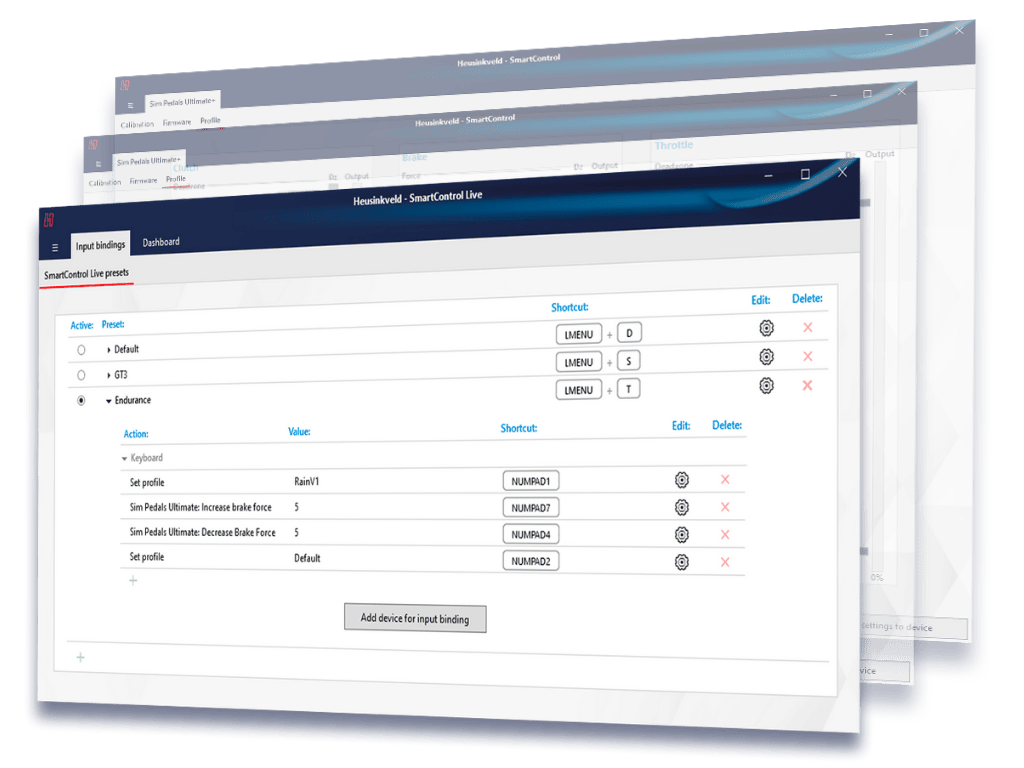
With Heusinkveld SmartControl you have the option to expand the outputs of the Magshift Mini to 4 fully customizable outputs. You can configure and customize the outputs using the easy-to-use editor in SmartControl.
For every single input you can configure a primary and secondary output. An output can be a selectable joystick button or any keyboard keystroke (including modifier keys such as Shift, Ctrl, Alt etcetera).
The primary and secondary output can be triggered simultaneously, delayed or independently. The functions are time-bound. How long you push or pull the lever determines whether the primary, secondary or both outputs are triggered.
You may want to use different settings depending on the car of software you drive. You can store different settings into a profile and change them with a few mouse clicks.
SmartControl Live
SmartControl Live is software which is designed to run in the background while using your simulator. It allows you to switch between profiles created using SmartControl while driving. With MagShift Mini, a possible use case would be to change the direction of up- and downshifts and the touch of a button.
All downloads
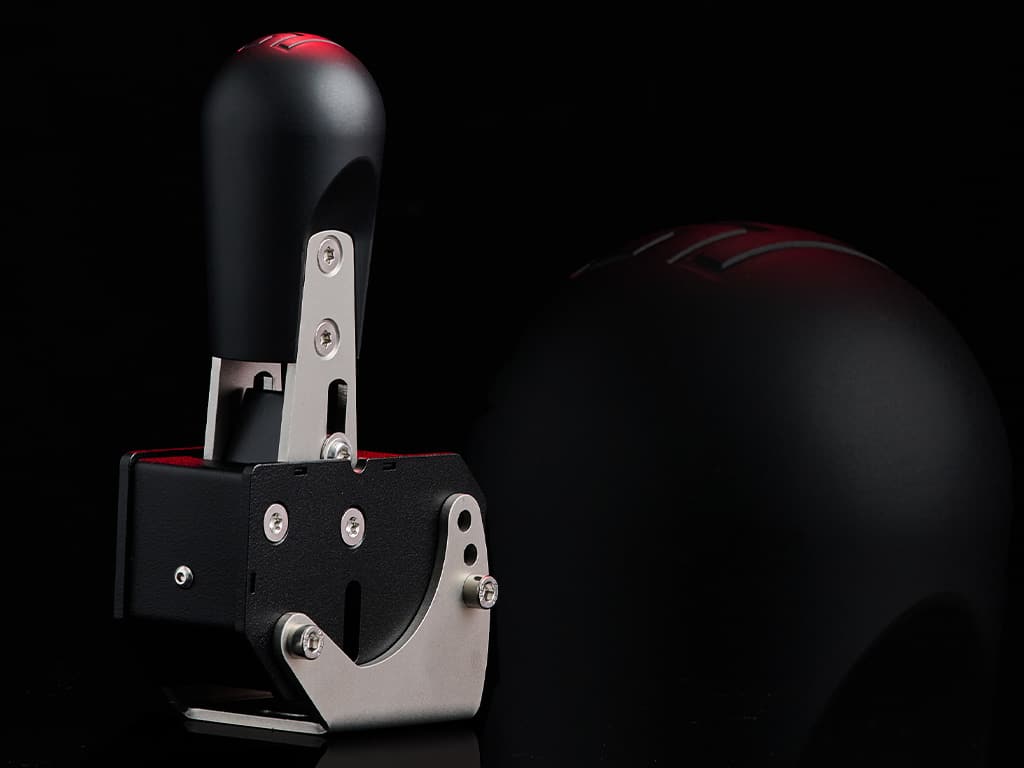
Patented 2-way adjustable shift system. Set a different force for upshifts and downshifts. Choose from multiple tilt and yaw settings. MagShift Mini delivers true versatility, like no other.
Don’t be deceived by the compact appearance of MagShift Mini. It can sit in the palm of your hand but offers a heavy duty shift force of up to 8 kg.
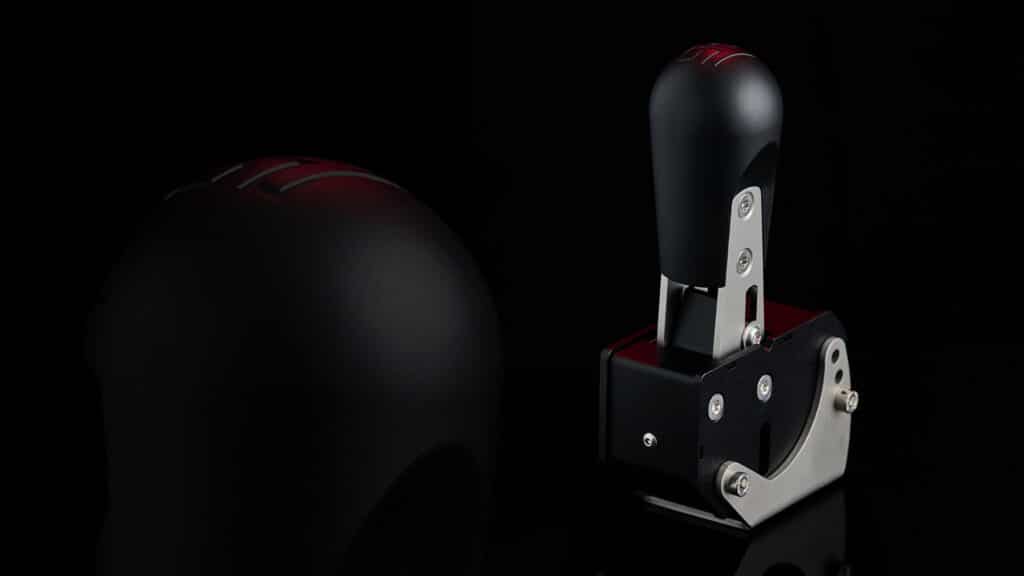
Don’t be fooled by its compact appearance: MagShift Mini can be set to require either buttery smooth or very rigid shifting force.
With individually adjustable upshift and downshift force, a patented magnetic shift system and multiple mounting options this is the most versatile compact sequential shifter available.
MagShift Mini features wear free opto-electronic sensors. Succesfully tested up to a million cycles in automated testing. EMC and CE certified, plug & play. Your can count on your MagShift Mini for years to come.
Customize multiple outputs from a single input. This means that you can use the lever to trigger up to 4 functions.
Unleash your creativity and create functions for auto-blip or auto-clutch.
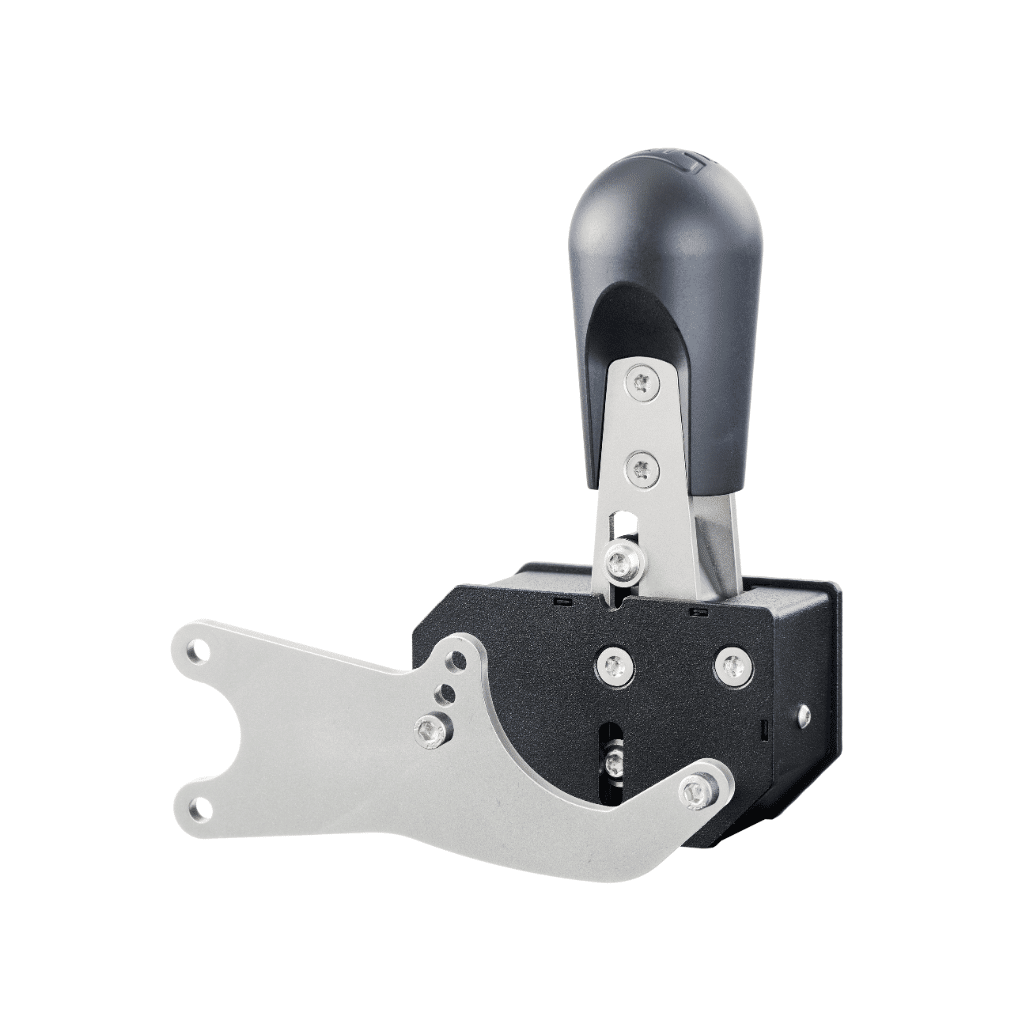
MagShift Mini comes standard with a mounting bracket suitable for horizontal profiles.
We also offer an optional mounting solution for vertical profiles, a mounting solution to position MagShift Mini under an angle and a table clamp.
Adjustable shift force between 4 and 8 kg. Upshift and downshift force individually adjustable.
Use SmartControl to customize your shift outputs. Trigger multiple outputs based on a single shift input.
Fine-tune height, tilt and yaw of the shifter with the included the U-shaped mounting bracket suitable for horizontal profiles. Optional bracket available for mounting to vertical & angled profiles and mounting on a desk.
Very precise & compact! I'm going to tell you that the left arm needs to be strong! The way to pull the gear, it's very similar to the real thing.
Tony Kanaan