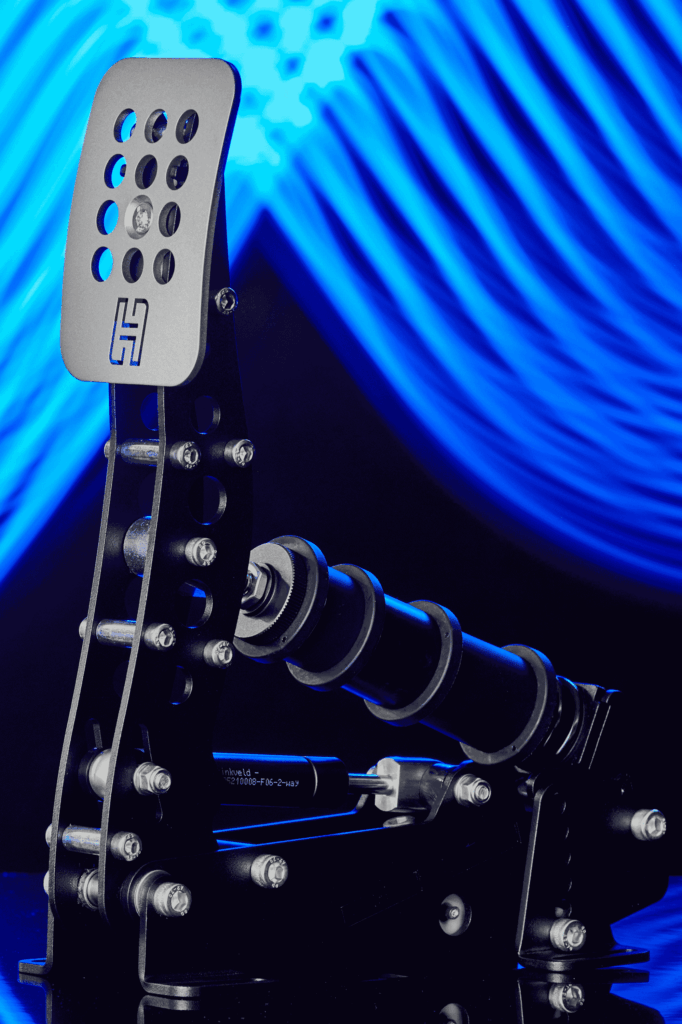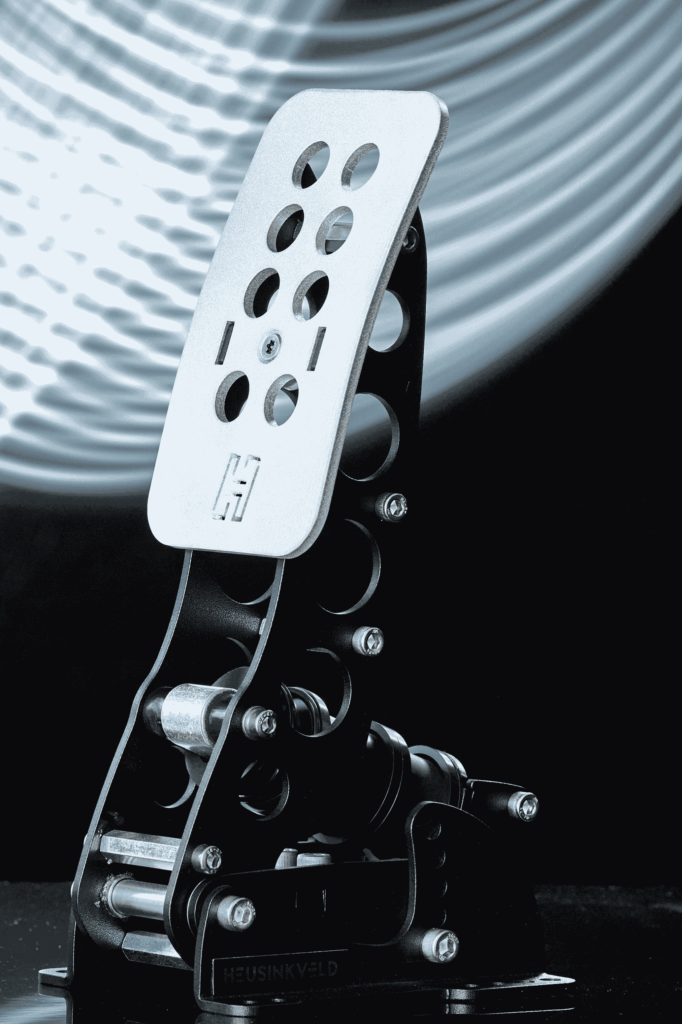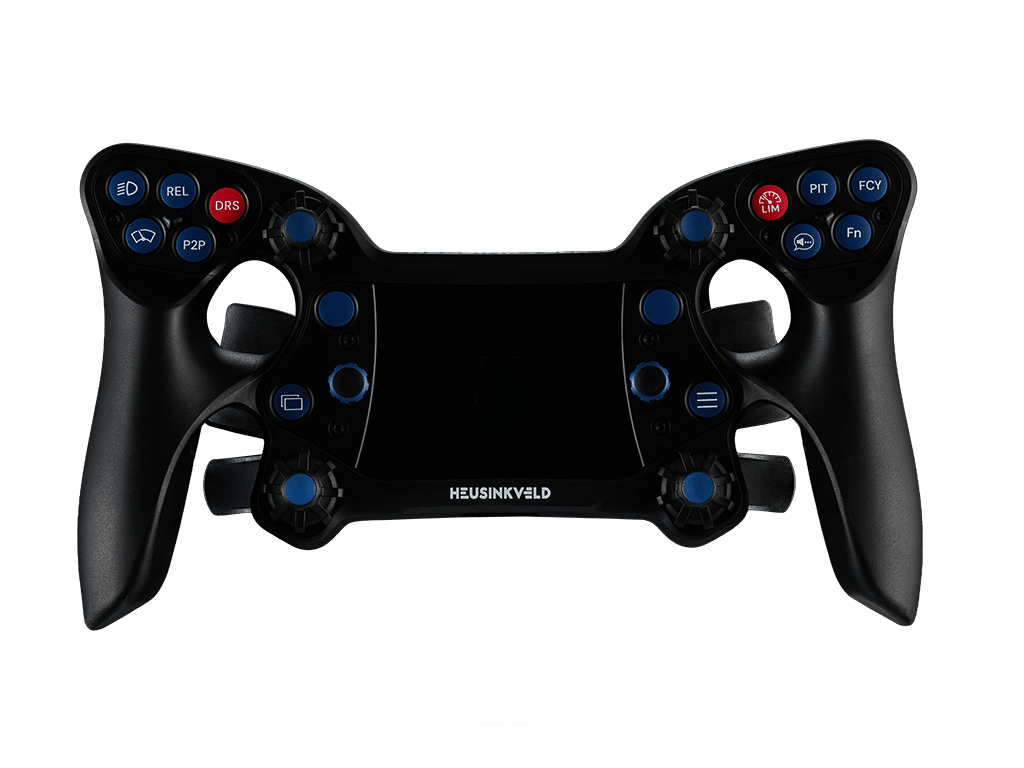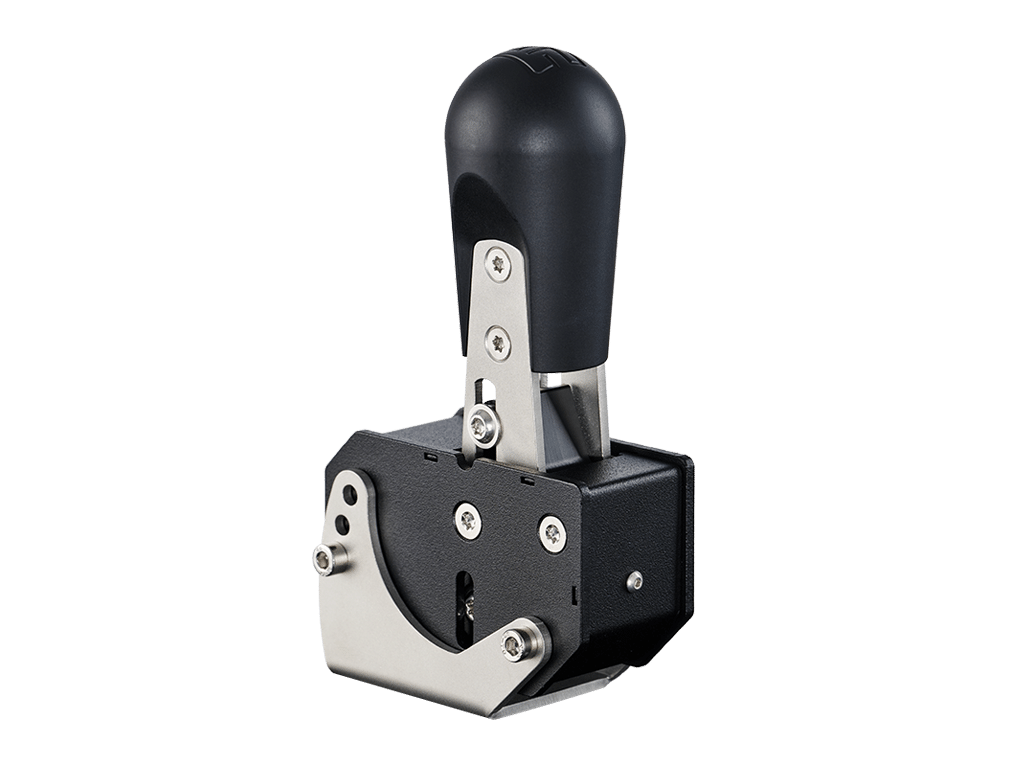
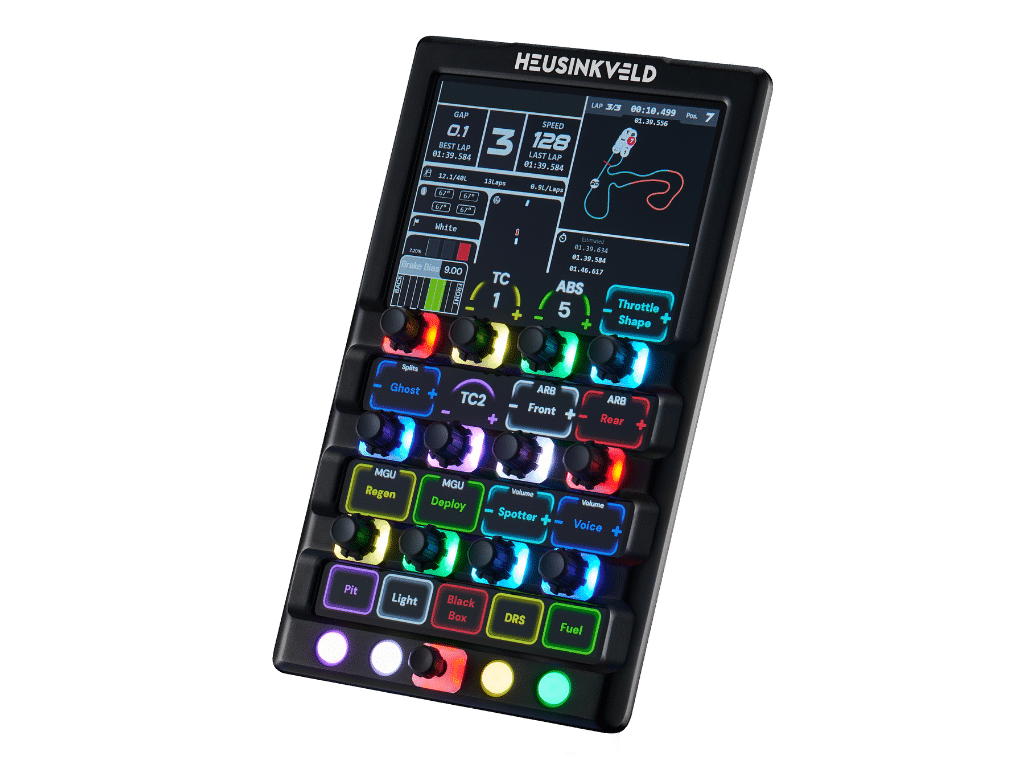
Now available: Heusinkveld One
Plug and play
Used by real drivers
Secure and diverse payment options
Fast & worldwide shipping

SmartControl Changelog

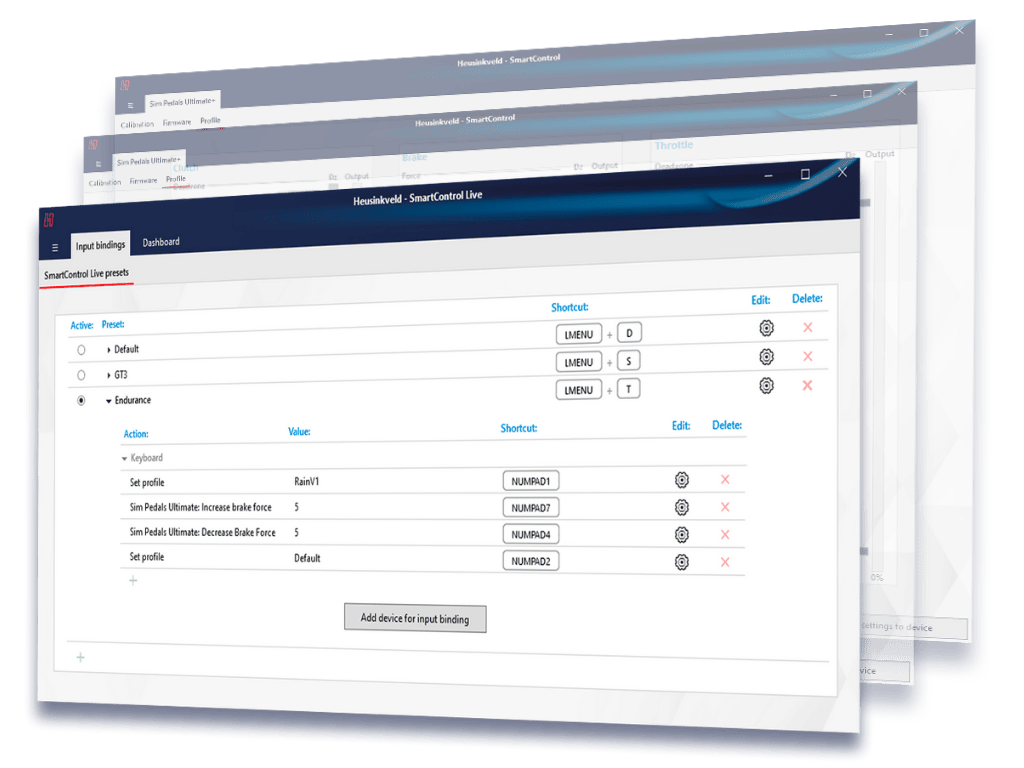
This page lists recent changes and improvements to our SmartControl & SmartControl Live software.
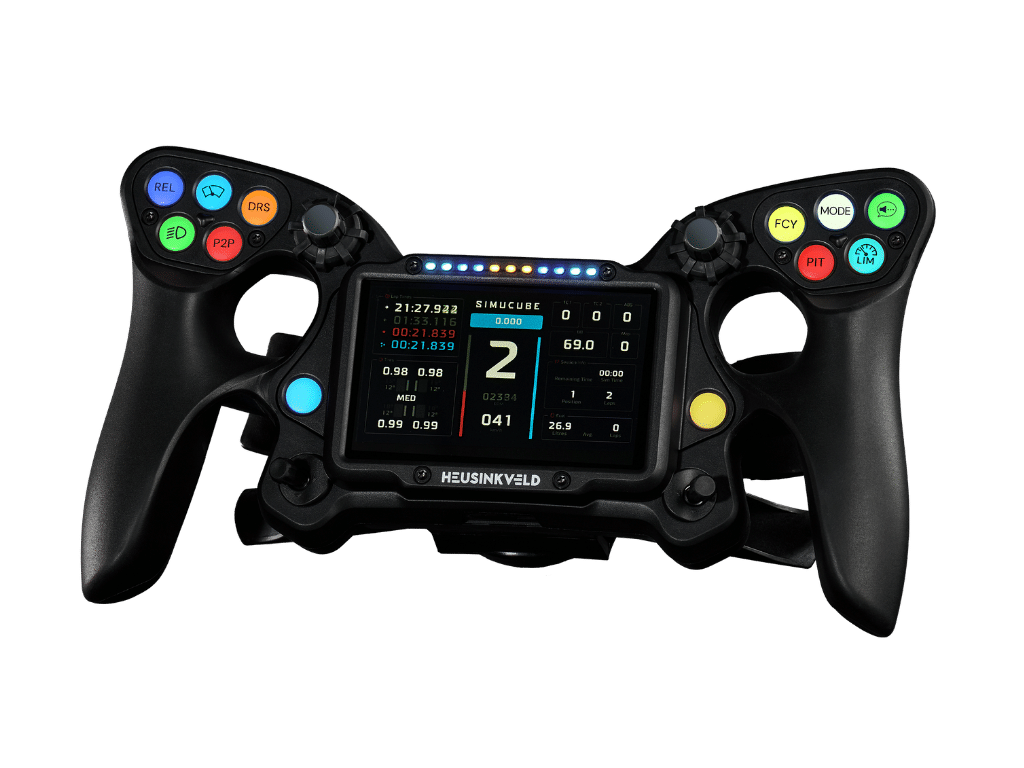
Changelog for 26.02.5

  • Fix for SmartControl Live issue

Changelog for 26.02.4

  • Add Splash Screen for SmartControl.
  • Add Firmware Update procedure for Heusinkveld One Dongle and Wheel.
  • Add list of configured Fn-buttons for the Heusinkveld One Steering Wheel.
  • Add new Device Recovery Mode to flash devices in case of failed firmware updates.
  • Add new Firmware Package 26.02 with firmware 1.0.4 for the Heusinkveld One Wheel.
  • Add new Firmware Update Wizard for all devices.
  • Improve clutch output graph by adding origin layer color.
  • Improve responsiveness for MagShift / MagShift Mini UI.
  • Make Fn-light in Heusinkveld One Steering Wheel UI follow actual Fn status of the wheel.
  • Minor fix in Hardware ID readout for Heusinkveld One Dongle / Wheel.
  • Minor fix where Heusinkveld One UI was not scrollable and some settings would disappear.
  • Minor fix where configured brake force would reset on SmartControl startup.
  • Minor fix where calibration UI would appear laggy.
  • Minor performance improvement in communication with Heusinkveld One Dongle.

Changelog for 26.01.1

  • Added support for Heusinkveld One steering wheel.

Changelog for 25.02.0

  • Handbrake: Fixed “reset to default” button.
  • Fixed issue with importing profiles.

Changelog for 24.11.5

  • Made firmware updater faster and more robust.
  • Fixed bug causing MagShift profiles to not show correctly.
  • Fixed bug with max. brake force not being loaded from device correctly.
  • Made SmartControl slightly more responsive.
  • Corrected error logging behaviour.

Changelog for 24.11.1

  • Added support for new products.
  • Completely overhauled SmartControl profile management.
  • Changed styling of SmartControl windows.
  • Fixed inconsistent behaviour with Windows Aero snap.
  • Made graph points more easily draggable.
  • Squashed various bugs.
  • Optimized existing code