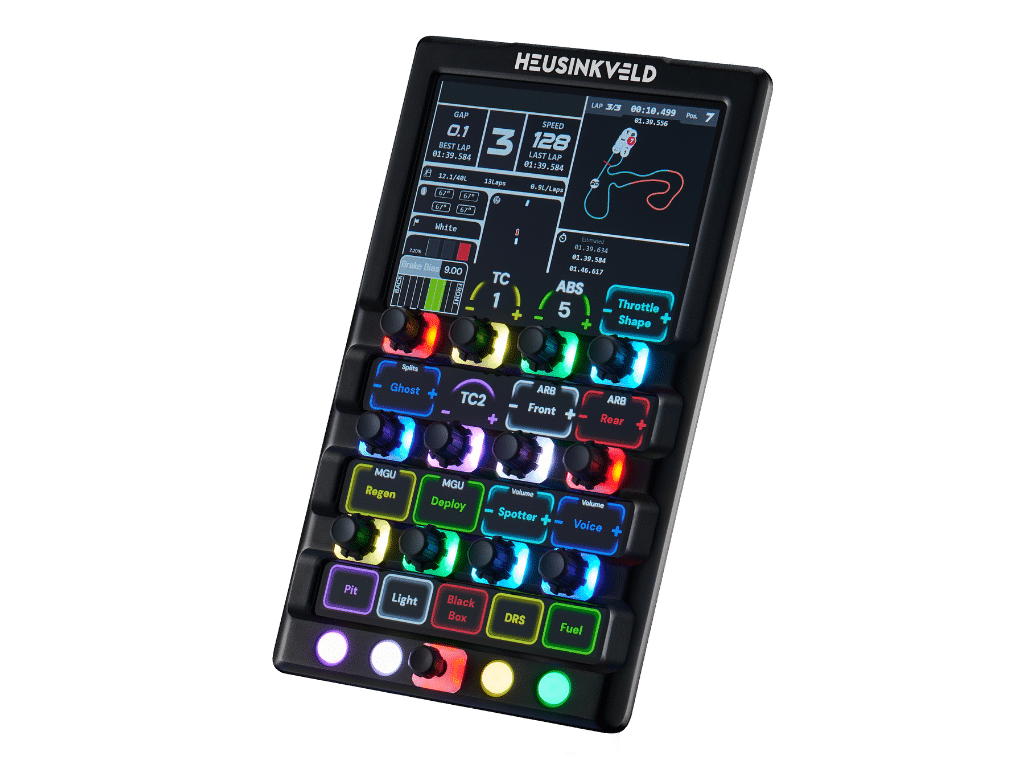
New: DisplayDash
Products
Race experiences
 Summer sale
 Plug and play
 Used by real drivers
 Secure and diverse payment options
 Fast & worldwide shipping

SmartControl is a powerful software tool to configure and adjust your Heusinkveld products. It adds an extra layer of adjustability by software, in addition to the available mechanical adjustments
Depending on the car or simulator software you are using, you may want to use different settings for your Heusinkveld devices. SmartControl provides an easy to use solution to set up your simulator hardware exactly the way you want.
In racing, every tenth of a second counts. With SmartControl you can configure the finest details of your Heusinkveld products.
Depending on the product, multiple settings are available. Set and store your preferred settings in seconds. It’s all possible with SmartControl.
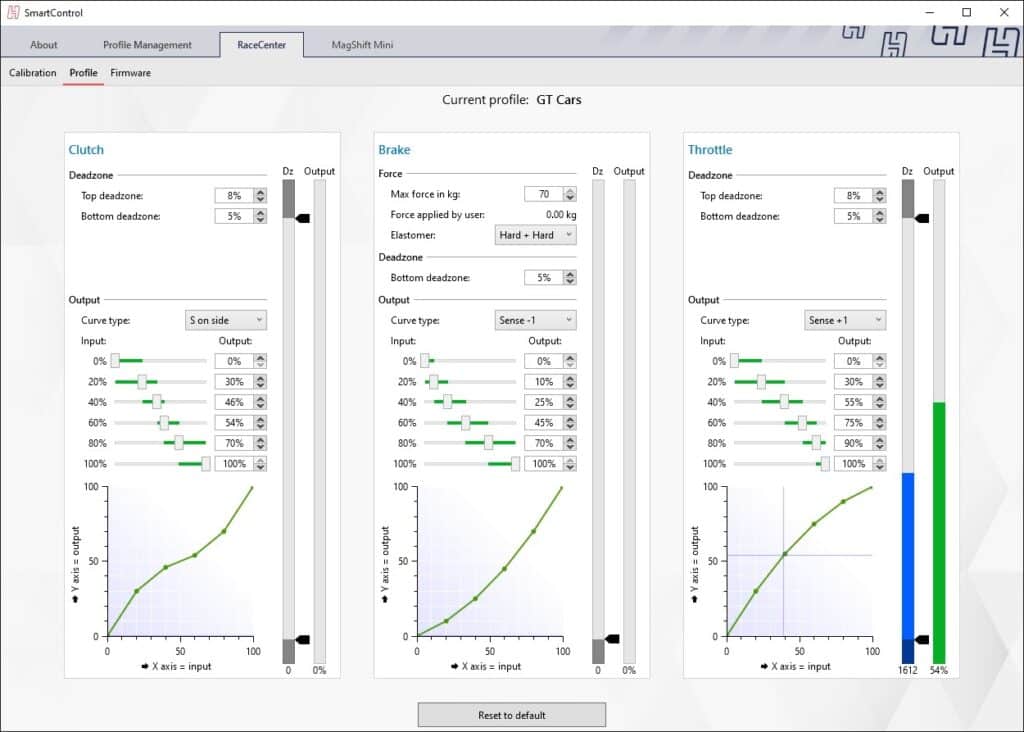
Customize deadzones, set-non linear output curves and tune the required brake force.
A non-linear throttle response with a low deadzone? The choice is yours.
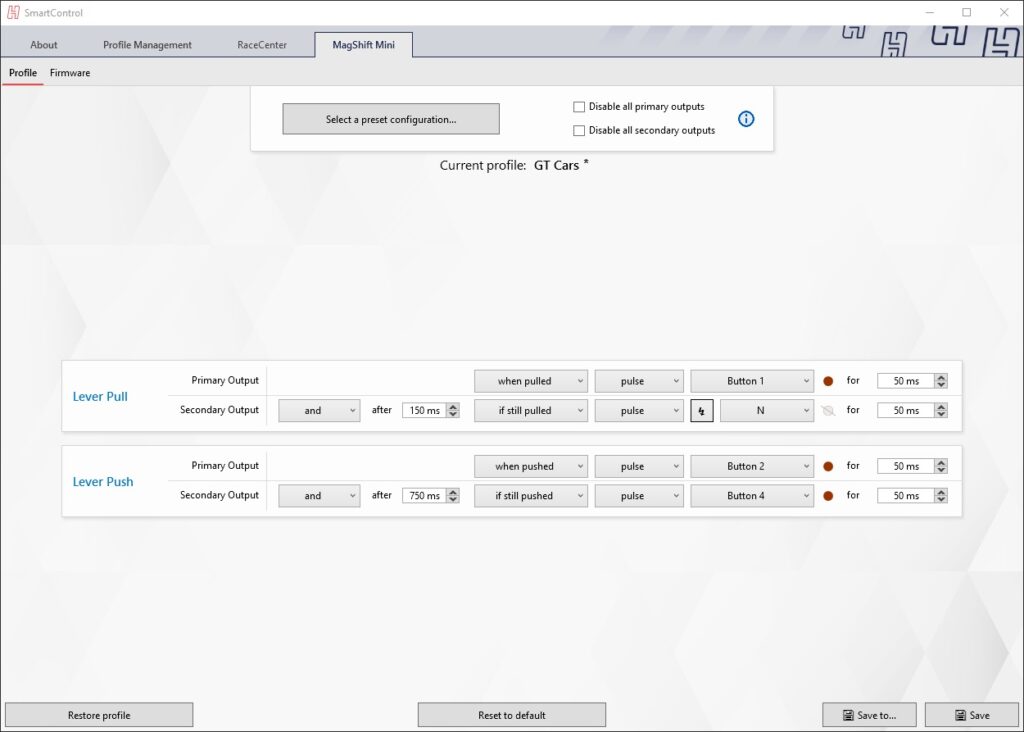
Trigger multiple outputs based on a single shift or button input.
Be creative and create functions for auto-blip or auto-clutch.
Customize deadzones, set a non-linear output curve and tune the required force.
Find the perfect settings for tarmac, gravel or snow.
Depending on the product, SmartControl supports building advanced functions.
Shift up with a quick pull on the lever, or engage Neutral by keeping the lever engaged.
Or trigger multiple functions simultaneously, such as a downshift plus throttle-blip (subject to simulator software support).
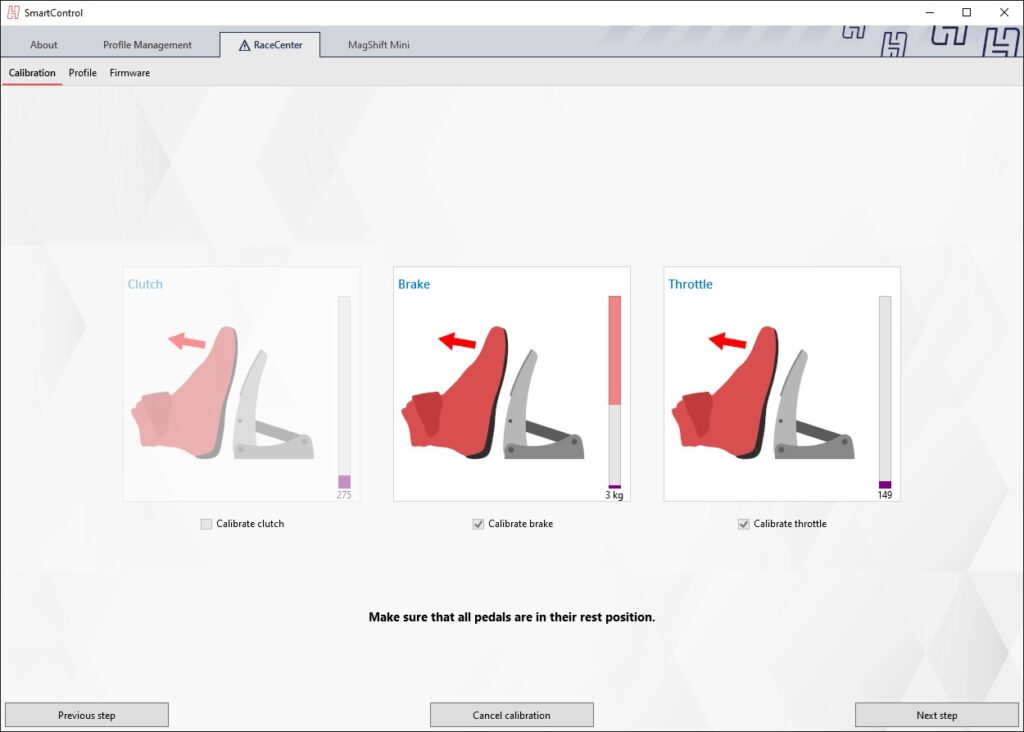
If you ever need to re-calibrate your Heusinkveld products, SmartControl has an easy to understand calibration wizard.
Clear graphical instructions guide you through the calibration process and make sure you are back racing in no time.
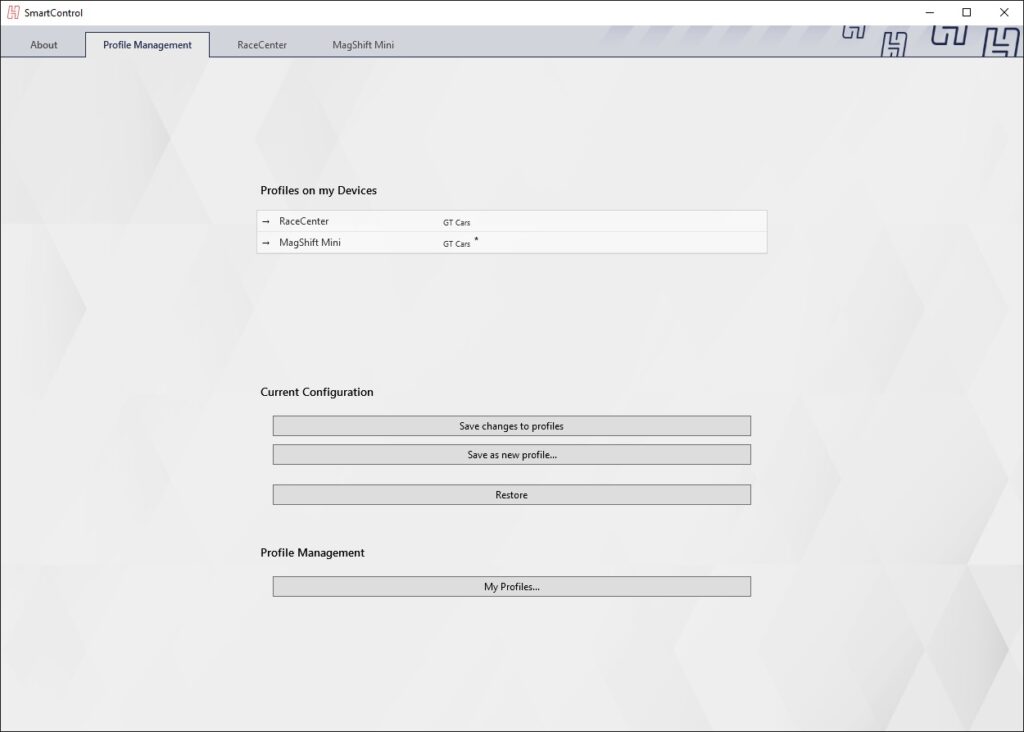
All your settings can be saved into profiles. One profile can contain settings for multiple Heusinkveld products.
This means that it is easy to maintain and change settings, depending on the simulator software you’re using and the car you’re driving.
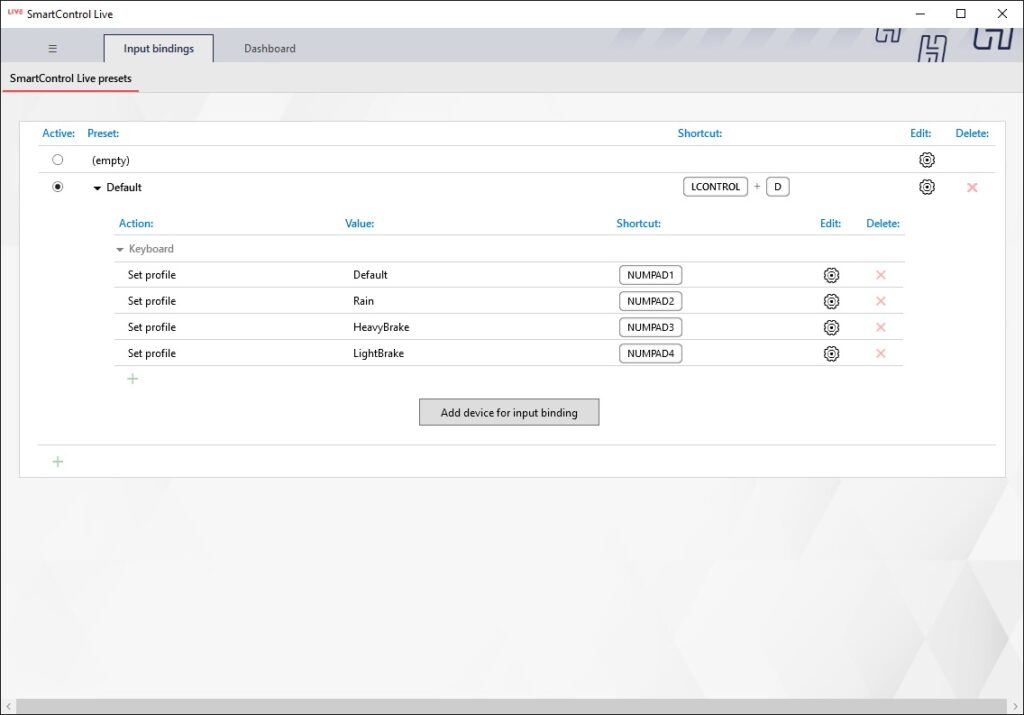
Do you want to switch profiles or adjust the brake force while driving? This is possible with SmartControl Live, which is part of the SmartControl software package.
SmartControl Live offers audio and visual notifications of any setting changes, so you’re always aware of what change you’re making.