One
Products
Race experiences
 Now available: Heusinkveld One
 Plug and play
 Used by real drivers
 Secure and diverse payment options
 Holiday shipping on 23 Dec & 30 Dec
Below you’ll find answers to the most common questions you may have about our products & services.
Note: last shipment before Christmas is on Friday December 19th at 10 a.m. CET and then on Tuesday December 23th at 10 a.m. CET and Tuesday December 30th at 10 a.m. CET.
When you are finished racing, there is no need to manually turn off your Heusinkveld® One steering wheel. It will automatically turn itself off after a period of non-activity.
In order to wake the wheel up again, press any button on the wheel. The wheel will automatically establish a connection again with the dongle. The connection status led will first blink purple and then green for a few seconds when the connection has been re-established.
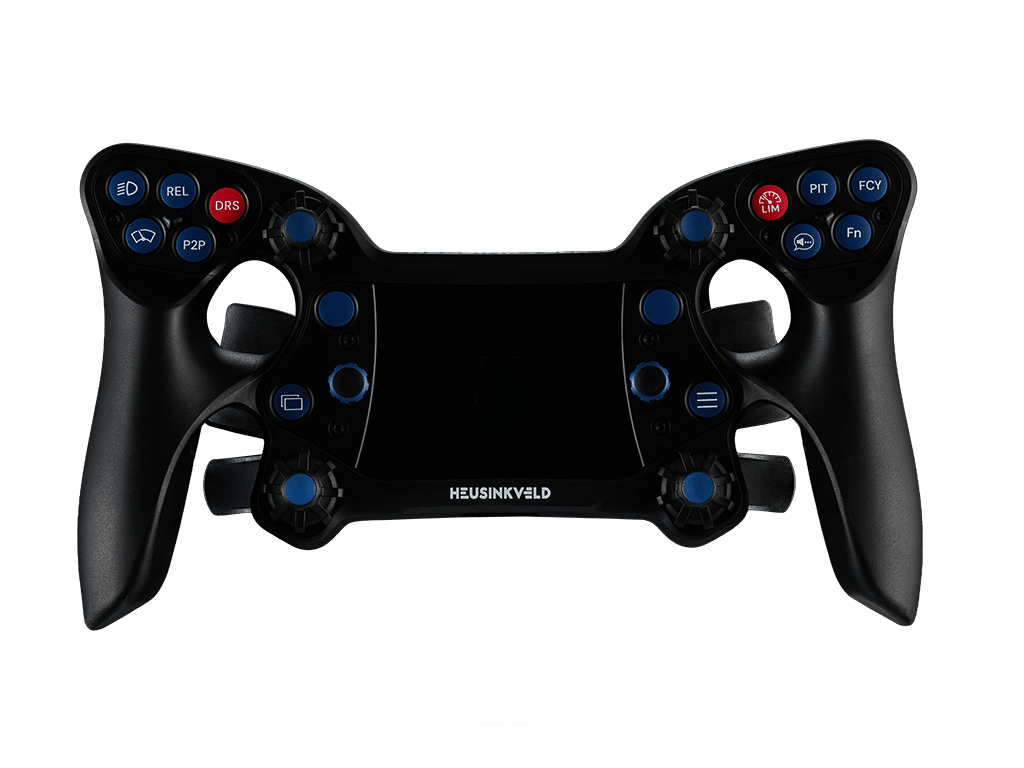
Your Heusinkveld® One steering wheel features 9 configurable RGB telemetry leds. Using SimHub software, these leds can be used to show information such as RPM, flag warnings and TC/ABS activity (depending on simulator software support for these features).
Both grids of 5 thumb buttons and the 4 push-buttons next to the panel can be rearranged to your personal preference. Please consult the manual for instructions and take care when tightening the button guard bolts: do not overtighten
Using SmartControl, you can double or quadruple outputs from your Heusinkveld One wheel, enabling 100+ configurable outputs.
1. Function Key (Fn) Method:
Assign a function button (Fn) to any wheel input. When pressed, a green Fn icon lights up and all other inputs can trigger alternate outputs.
2. Short Press / Long Press Method:
Configure different outputs depending on whether a button is pressed briefly or held longer.
When you unpack the wheel it is in transport mode. It must be activated before first use. Insert a powered USB-C cable in the wheel to activate the wheel. The USB-C port is at the bottom of the wheel.
The dongle and wheel are pre-paired.
Press any button on the wheel to establish the connection.
Your Heusinkveld® One steering wheel requires little to no maintenance. You can clean it using a damp cloth: no cleaning agents are necessary.
Avoid using dry cloths, as they can be abrasive and may damage the wheel’s surface.
Both grids of 5 thumb buttons can be rearranged to personal preference by removing the button guards using the provided Torx 10 tool. Unscrew both bolts from either button guard to release the guard.
Buttons can be exchanged between all 10 positions. Please take care while re-installing the button guards: The buttons must be lined up perfectly horizontal, so they slide over their guide notch when pressed.
Test if you can press the buttons before screwing down the button guard (gently hold down the button guard with your thumb while testing). If necessary, realign the buttons and test again.
IMPORTANT: Please take care while tightening the button guard bolts and prevent overtightening. Only a very light torque is needed to secure the button guards.
The 4 push-buttons next to the panel with RGB LEDs can also be changed. First remove the caps of the multifunction switches by pulling them upwards. Then proceed to remove the panel bolts with the Torx 10 tool. The rest of the procedure is similar to changing the thumb buttons.
When reinstalling the caps of the multifunction switches, note the indentation in the shaft which is also present on the inside of the cap.
SmartControl & our all new SmartControl Live software are powerful software tools to configure and adjust your Heusinkveld products. The general function of these applications is as follows:
SmartControl is a configuration tool which allows you to map output curves, deadzones and set required input force for your products. Settings of (multiple) products can be stored into profiles which allows you to make tailor-made settings for specific cars or simulator software. It is also used to calibrate products if needed.
SmartControl LIVE is a software service which is designed to run in the background while using your simulator. It allows you to switch between profiles created using SmartControl while driving. It also allows you to set the required brake force of your brake pedal or handbrake on the fly. When you switch between profiles or adjust the brake force you have the option to receive an audio or visual notification of the change you’ve just made.
SmartControl & SmartControl Live are compatible with the following products:
The Elastomer kit for Sprint Pedals Sprint contains the following components:
All other components of the brake elastomer stack should be re-used from your original brake.
The installation instructions can be found in the Quick Start or see the video tutorial.
If you own the classic Sim Pedals Ultimate which has RJ- plugs to connect the pedals to the controller (sold between mid-2014 to 2021), you can use this upgrade kit. If you own the classic Sim Pedals Ultimate which has wire terminals on the controller (sold between late 2013 – early 2014), you must crimp RJ9 plugs (crimp tool and plugs not included in the Upgrade Kit) to the pedal wires before you can use the SmartControl controller.
If you own the Sim Pedals Ultimate+ (sold from July 2021 onwards), do not buy this Upgrade Kit. Your pedals already have all parts included in this Upgrade Kit. The Upgrade Kit is not compatible with other pedal series such as Sim Pedals Pro, Sim Pedals Sprint or Sim Pedals Racecenter.
On the product page, there is an overview of the parts included in the Upgrade Kit and which parts can be reused to upgrade the pedals to the Ultimate+ specifications.
With the help of the video tutorial(link), this can be easily done by yourself. In case you need additional information/help with installing the kit, please contact our support
team(support@heusinkveld.com)
A sequential shifter is not strictly necessary for sim racing, but it can enhance the experience, especially if you enjoy realism or are focused on certain types of racing. Whether you need one depends on the kind of racing you do:
In conclusion, while it’s not essential for all types of si racing, a sequential shifter can definitely add to the experience for certain types of racing, especially if you’re aiming for a more authentic and immersive setup.
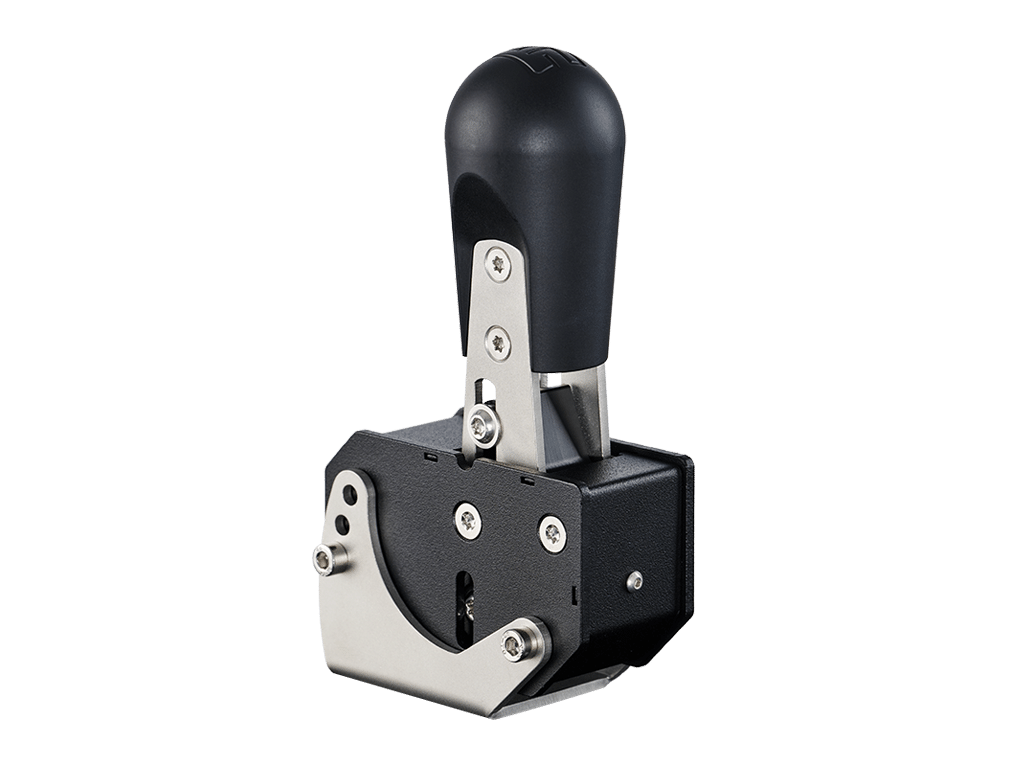
With the exact mounting dimensions(link) you can easily check if the MagShift can be mounted directly on your Rig.
To adjust the force required for up/down shifting: Insert 2 torx keys (6) simultaneously into adjustment bolts (one on each side). Turn counterclockwise to Loosen the screws. Leave both hex keys inserted move adjustment slider to new position. Make sure the slider sits straight Re-tighten the screws. Do not overtighten.
No, the Heusinkveld Handbrake is only compatible with Windows PCs and does not work with consoles.
While a handbrake is not strictly necessary for all sim racing setups, it can greatly enhance your experience, especially in certain types of racing. Whether you need one depends on the type of simracing you do:
Not compatible with Heusinkveld 3-pedal sets when mounted on a Heusinkveld Baseplate.
The Heusinkveld Rest Pedal can only be added to a 2-pedal setup and is not compatible with Heusinkveld 3-pedal sets when mounted on a Baseplate.
The Heusinkveld Rest pedal has a 30 degree range, using 7 position adjustment slots, and the option to move the complete Rest Pedal assembly forwards or backwards using
the slotted mounting pattern.
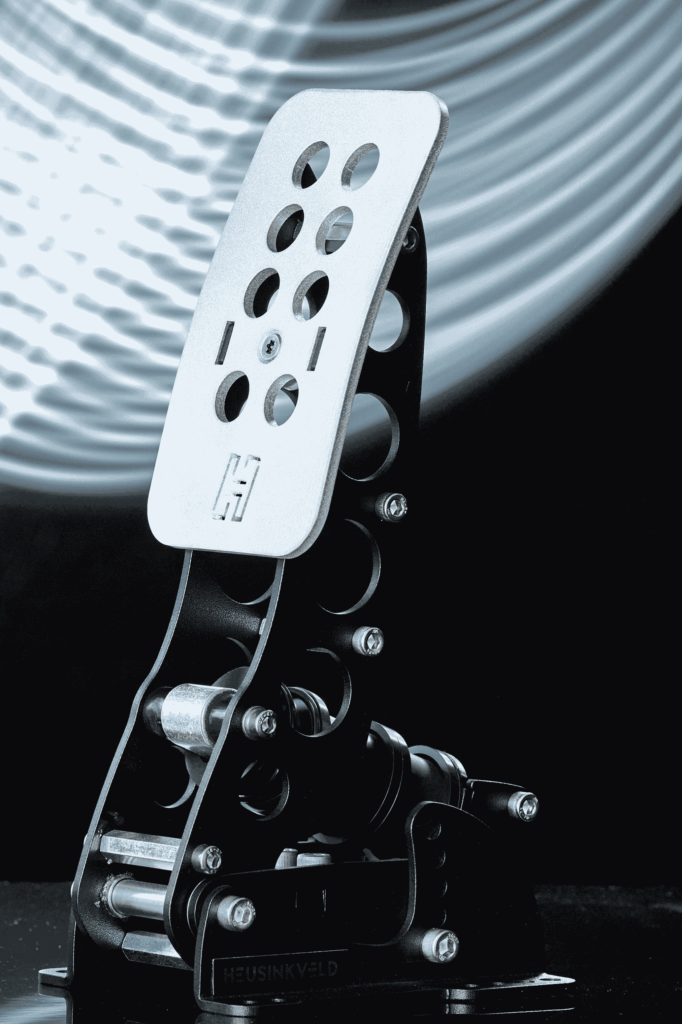
The mounting dimensions for the Ultimate+ pedals are shown in the diagram below. This way you can easily check this yourself. If the mounting dimensions of the pedals don’t match those of your pedal plate, you might consider using the Heusinkveld Ultimate+ Baseplate.
The Heusinkveld Ultimate+ pedals come with a separate controller. The pedals (throttle, brake, clutch) are connected to their corresponding ports on the controller. The controller is
then connected to the PC using the included USB cable. This way, the pedals work directly with your PC, regardless of other sim racing hardware.
The Heusinkveld Ultimate+ pedals are designed to have a minimum of wear, tear and noise. A good service interval would be every 100 hours of use. Please see the Manual on how to do Maintenance on your Ultimate+ pedals(Link).
The Heusinkveld Ultimate+ allow for a large range of settings to set the resistance of your brake. This is done by varying the total length of the elastomers in the brake rubber stack and/or the hardness of the elastomer. A total of 9 resistance settings are available, allowing the brake pedal to be adjusted up to 140kg.
To get an better overview of the differences/similarities between the Heusinkveld Sprint and Ultimate+ pedals, please see our Pedal Selection Guide(link)
The Pedals can be calibrated by our software called SmartControl(Link)/Video
No, the Heusinkveld Ultimate+ pedals are only compatible with Windows PCs and does not work with consoles.
In terms of brake stiffness, a general rule of thumb is that a quicker, high downforce car has a stiffer brake pedal compared to a slower, low downforce car. The following recommendations can therefore be a good baseline when finding a brake setup which suits you:
• F1, GP2, F3, Indycar, LMP: Setup A/B.
• GT cars, Nascar, Rally: setup D/E
• Road cars: Setup F/G/X/Y
Cars with high downforce typically require very sudden, very hard brake application at the end of a straight. A stiff, barely moving pedal is easier to operate this way than a long
soft pedal. Physically moving your foot always takes time, so the stiffer the pedal is, the quicker you can build up braking force. Road cars or softly sprung stock cars on the
other hand may benefit from a slightly slower brake force buildup. Weight transfer takes more time in these cars, and the front tires will lock up if your braking force grows quicker than the weight transfer.
The mounting dimensions for the Sprint pedals are shown in the diagram below. This way you can easily check this yourself. If the mounting dimensions of the pedals don’t match those of your pedal plate, you might consider using the Heusinkveld SprintBaseplate (Link).
The Heusinkveld Sprint pedals are connected directly to your PC with a USB A-B cable(included). This way, the pedals work directly with your PC, regardless of other sim racing hardware.
The Heusinkveld Sprint pedals are designed to have a minimum of wear, tear and noise. A good service interval would be every 100 hours of use. Please see the Manual on how to do Maintenance on your Sprint pedals(Link).
At this moment we do not have additional accessories.
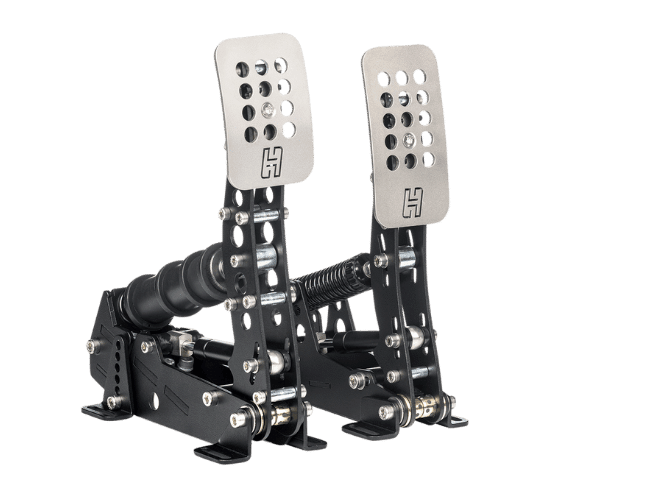
The Heusinkveld Sprint pedals allow for a large range o settings to set the resistance of your brake. This is done by varying the total length of the elastomers in the brake rubber stack and/or the hardness of the elastomer. A total of 6 resistance settings are available, allowing the brake pedal to be adjusted up to 65kg. (see Sprint manual p 19.)
To get an better overview of the differences/similarities between the Heusinkveld Sprint and Ultimate+ pedals, please see our Pedal Selection Guide(link)
The Pedals can be calibrated by our software called SmartControl(Link)/Video Tutorial. Once the pedals are calibrated, assign them in your favourite game/sim and you are ready to race!
No, the Heusinkveld Sprint pedals are only compatible with Windows PCs and does not work with consoles.
In terms of brake stiffness, a general rule of thumb is that a quicker, high downforce car has a stiffer brake pedal compared to a slower, low downforce car. The following recommendations can therefore be a good baseline when finding a brake setup which suits you:
• F1, GP2, F3, Indycar, LMP: 1x soft or hard 19mm elastomer.
• GT cars, Nascar, Rally: 1x soft 28mm elastomer.
• Road cars: 1x soft 19mm + 1x soft 28mm elastomer.
Cars with high downforce typically require very sudden, very hard brake application at the end of a straight. A stiff, barely moving pedal is easier to operate this way than a long soft pedal. Physically moving your foot always takes time, so the stiffer the pedal is, the quicker you can build up braking force. Road cars or softly sprung stock cars on the other hand may benefit from a slightly slower brake force buildup. Weight transfer takes more time in these cars, and the front tires will lock up if your braking force grows quicker than the weight transfer.
It’s important to keep in mind that even for similar cars there can be large variations in the brake feel, depending for example on the size of the hydraulic brake cylinders.
Also, the Sim Pedals Sprint can handle a maximum brake force of 65kg. While this may be enough for lower junior formula cars, road cars and slower GT cars, typically quick formula cars and top- level GT cars require higher peak brake forces. You will therefore not be able to simulate 1:1 brake forces for all race cars with the Sprint pedals.
If you have any questions about your order, delivery, invoice or if you have any technical questions about our products or need help with the installation, please do not hesitate to contact our support team.
They are available on business days from 9 a.m. – 5 p.m.